Productivity Tutorials
Launchers, gestures, and automation — Raycast script commands, extensions, and BetterTouchTool.
10 Tutorials
|
5 Topics
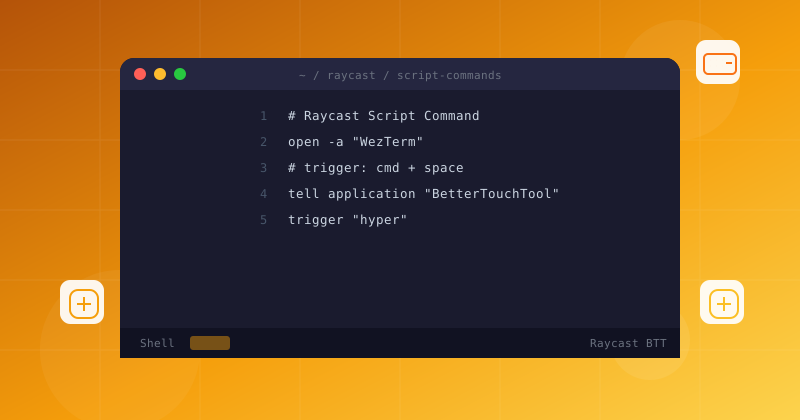
Launchers, gestures, and automation — Raycast script commands, extensions, and BetterTouchTool.
Raycast script commands let you run bash, Python, and Node.js scripts from the macOS launcher. Build five practical automations — from WiFi tools to project bootstraps.
BetterTouchTool tutorial for macOS input customization. Configure trackpad gestures, window snapping, keyboard shortcuts, and app-specific trigger actions.
Raycast extension development tutorial. Build a TypeScript and React extension from scratch — API integration, custom list UI, actions, and publishing to the Raycast store.
Build a custom remote control for your Mac using BTT Remote on iOS. Create widgets, trigger automations, and design a personalized control surface.
Create AI-powered commands that transform selected text, build quicklinks for instant URL launches, and chain commands for complex automations.
Master Raycast's built-in clipboard manager and snippets. Search years of copy history, create smart snippets with dynamic placeholders, and paste with fuzzy search.
Wire Raycast AI into your launcher — summarize text, translate on the fly, and draft replies without opening a browser or app.
Reclaim lost text with Raycast's clipboard history and reusable snippets — search, pin, and paste anything in two keystrokes.
Map trackpad gestures and Magic Mouse swipes to actions with BetterTouchTool to control your Mac without touching the keyboard.
Use Raycast to snap, tile, and move windows with commands and hotkeys — a lightweight, scriptable alternative to a full window manager.